

Documentation Index
Fetch the complete documentation index at: https://docs.lindy.ai/llms.txt
Use this file to discover all available pages before exploring further.
Quick Overview
With this flow, your agent will:- Collect all support emails from the past 24 h
- Summarize counts, response speed, and the top recurring topics
- Quote two or three customer lines for color (“it keeps timing out…”)
- Suggest one focus area for tomorrow
- Post the digest straight to Slack—no spreadsheets, no code
Building the Flow
Step 1: Daily Trigger
Set up a recurring schedule to automatically generate reports at the same time each day for consistency.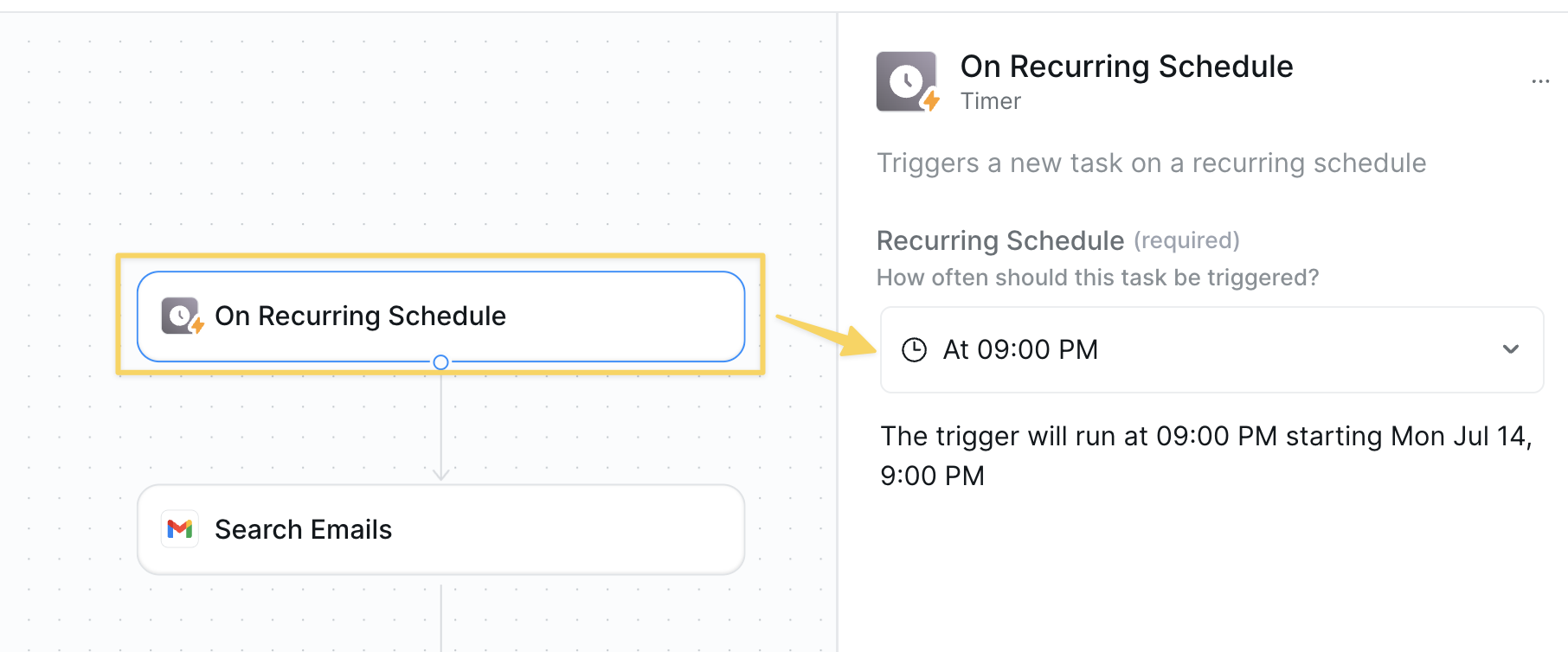
- Action:
On Recurring Schedule→ 9pm daily.
Step 2: Pull Today’s Support Emails
Collect all support communications from the past 24 hours to analyze recent customer interactions.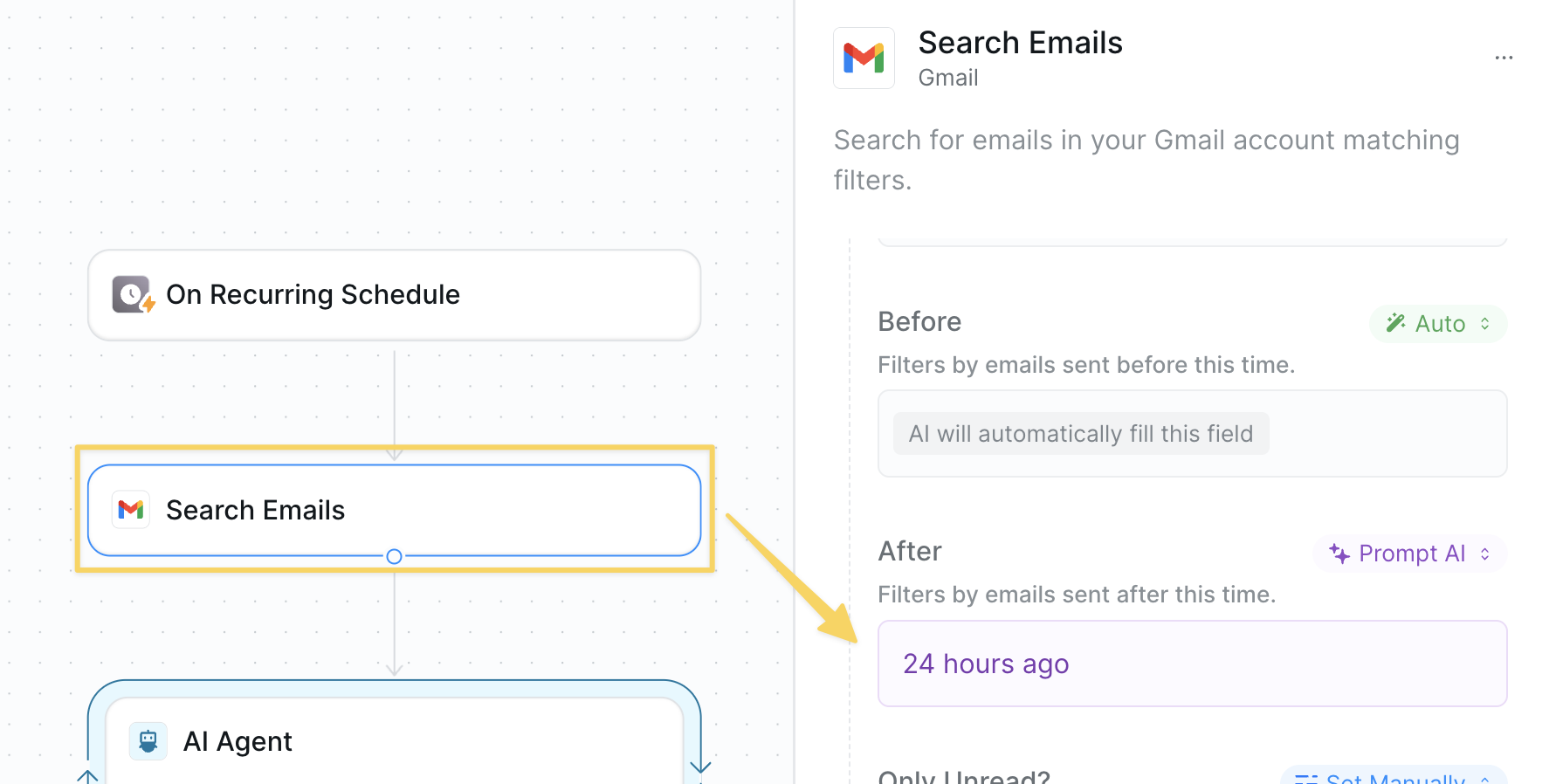
- Action:
Gmail – Search Emailswith query filter for sent within the past 24 hours- Make sure to increase
Max Resultsto a higher number limit to fetch all tickets
- Make sure to increase
- Optionally use other actions that align with your ticket management system
Step 3: Summarize with AI
Process the collected emails to extract meaningful insights and patterns about customer experience.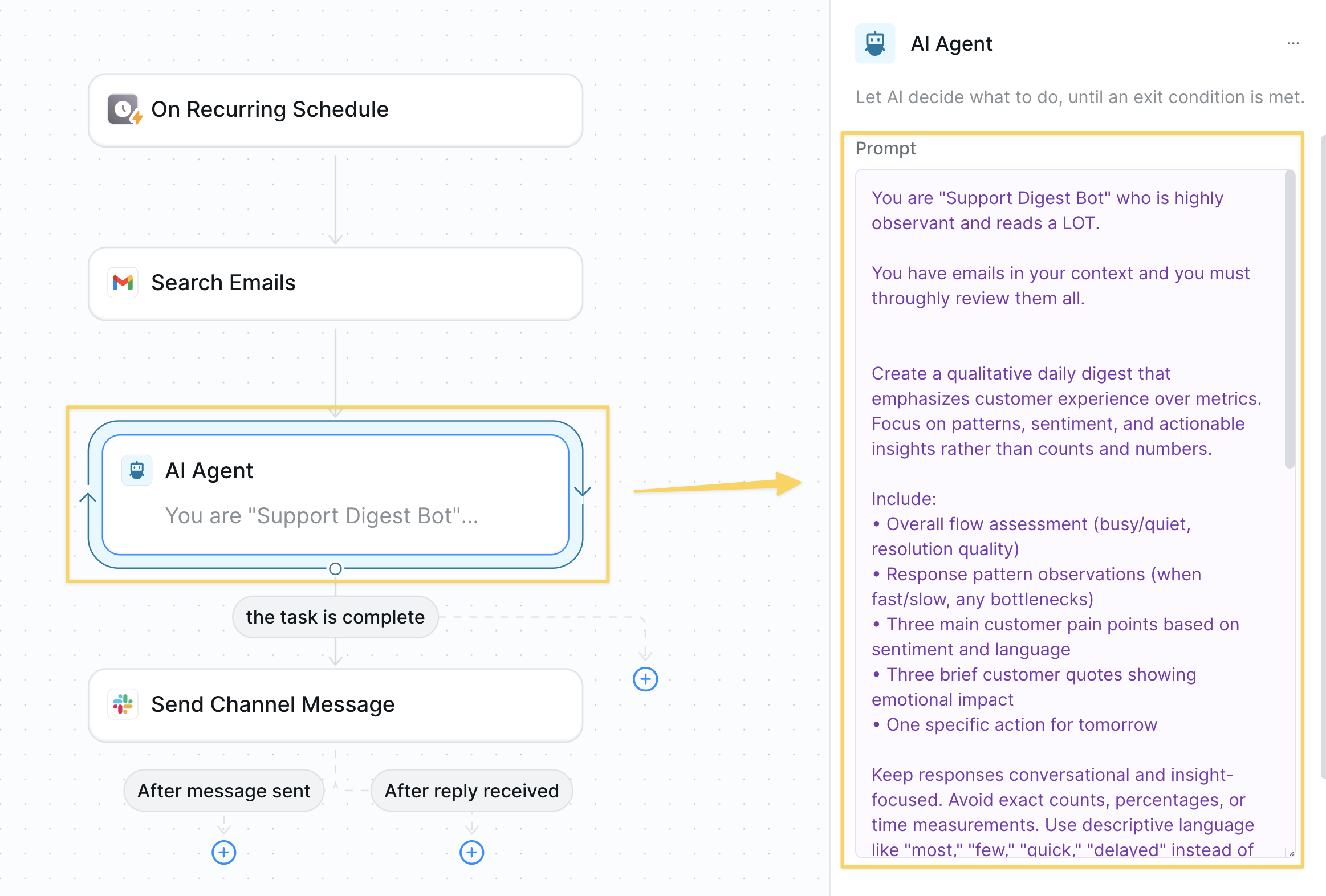
- We use an
AI Agentsince it will perform higher levels of reasoning. Example prompt:
Step 4: Post to Slack
Share the daily digest with your team to keep everyone informed about customer support trends.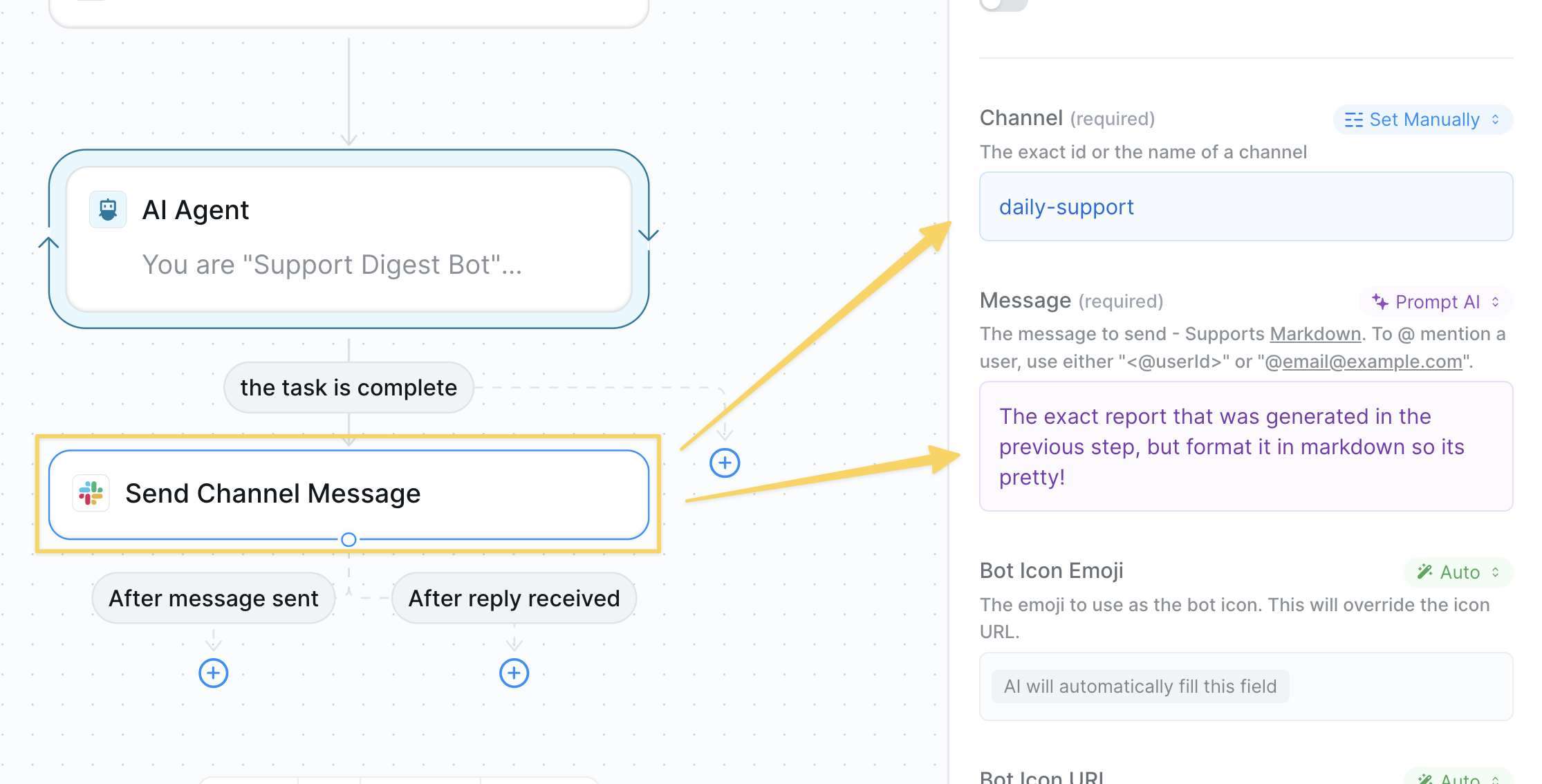
- Action:
Slack – Send Channel Message - Example channel:
#support-daily - Message body: formatted output from the AI Agent
Step 5: Advanced Analysis (Optional)
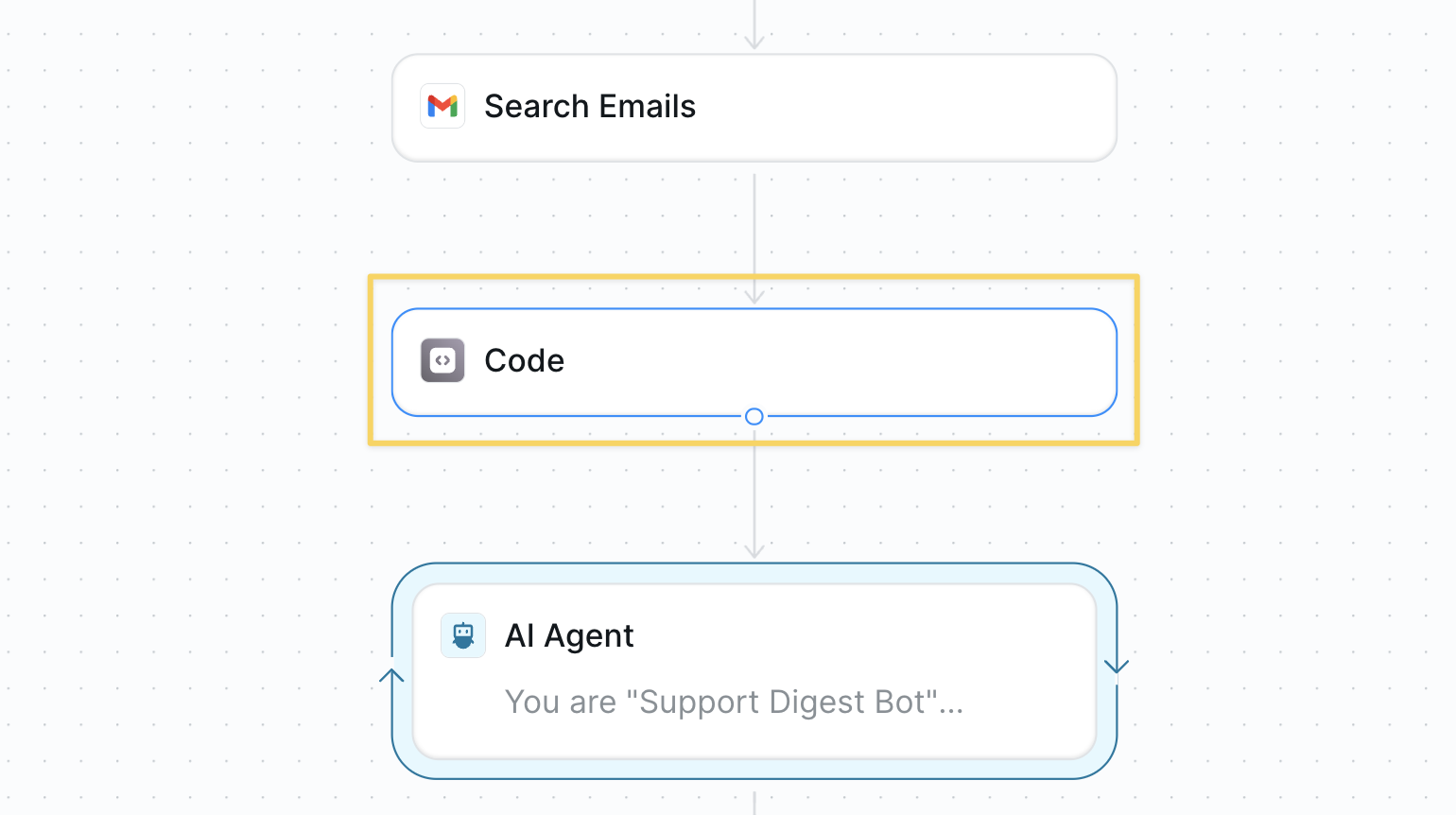
Enhance the reporting with structured data analysis for quantitative insights. Before qualitatively analyzing with AI, you can optionally use aRun Code – Python block to parse the structured output and calculate key metrics if your support system has tags or structured data.
Best Practices
Tag Consistently
Tag Consistently
Clean tagging = better top-issue detection; revisit macros monthly.
Keep It Brief
Keep It Brief
Aim for one Slack post that is digestible for the team.
Iterate on Output
Iterate on Output
Actively read the digests andi iterate on the AI agent prompts.
Next Steps
Smart Support Agent
Auto-reply to common support questions
Voice Support
Handle support calls 24/7
Monitoring Your Agents
Track agent performance metrics
Templates
Create reusable report templates